How to host Spin-Down
Two crews, one research station, three ways to win. A team action game for a group on a video call, with an onboarding you run like a briefing.
- Players
- 1–20 people, up to 10 a side; bots fill the empty seats
- Time
- About 2½ minutes a match (you set it); 15–20 minutes to run the whole onboarding
- You need
- A laptop with a keyboard (or a game controller) for everyone, a video call, and the invite link
How it works
Two rival corporations share a research station, and both want the big
discovery home first. Each team is a crew of little scientists, plus
a Steward: the team’s AI, a flying robot in a cardigan and bow tie.
There are three ways to win:
- Fill your escape pod with protoclay (the green pugs) and it
launches. - Steal the station: sit in the pilot chair and roll it home to your
side. - Put out the other Steward’s lights: suit up at a fabricator, zap
your way over, and knock out all three of its bulbs.
You’re the Game Master: you set up the match, sort the teams, and walk
everyone through the rules with the onboarding.
Before the call: try it alone
Open the game, type your name, and click Practice alone. You play
with bots on both sides. Arrow keys or A and D to run, space to jump (hold
it to thrust). A game controller works too.
1. Create a room
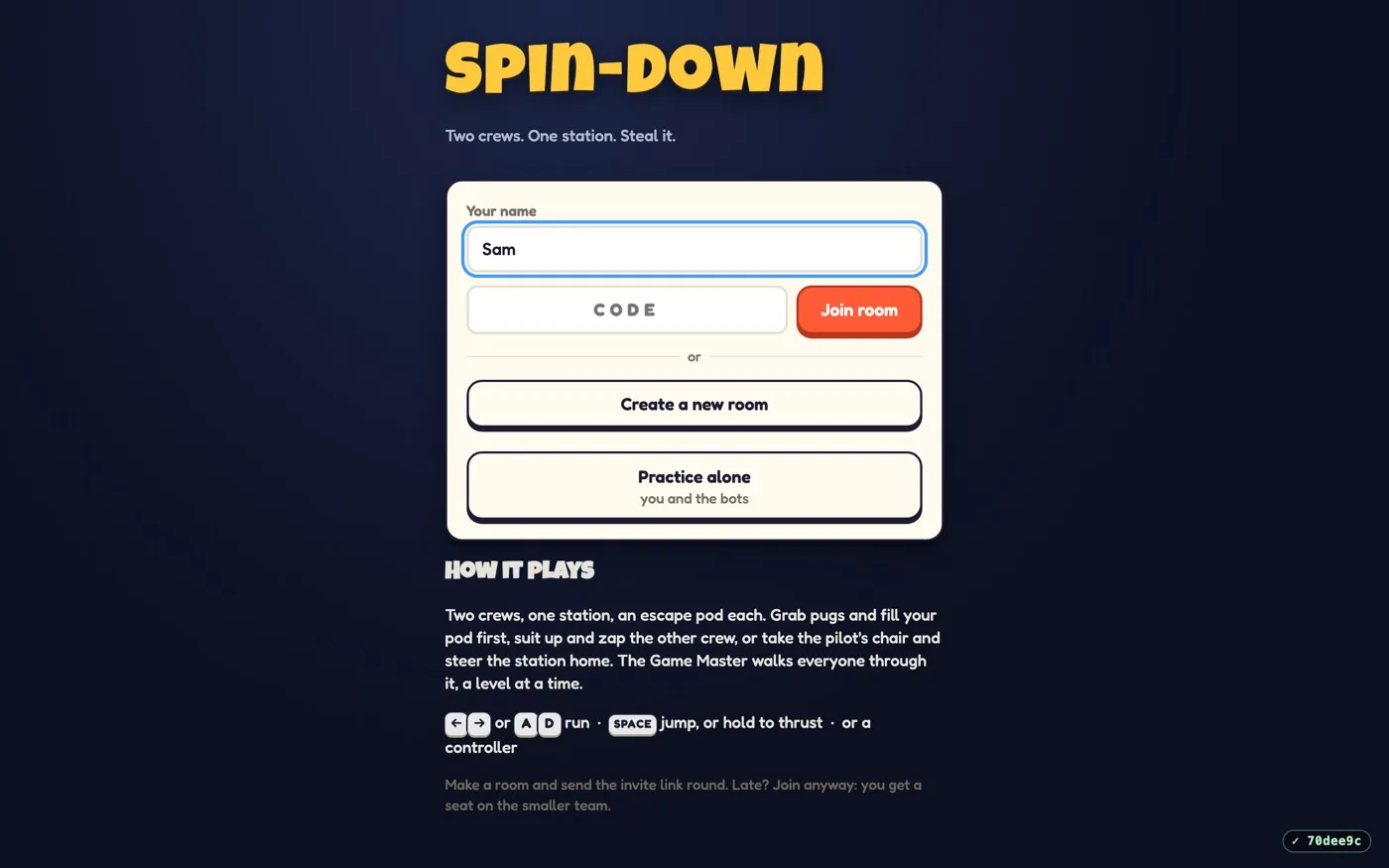
Open the game, type your name, and click Create a new room. Whoever
creates the room is the Game Master. You run the show, and you play
too.
2. Invite everyone
Click Copy link at the bottom of the setup panel and paste it into the
call chat. Anyone who clicks it lands on your room with the code filled in.
They type their name and click Join room. People who show up late can
still join: they get a seat on the smaller team.
While people join, everyone runs around the warm-up station to learn
the keys.
3. Sort the teams
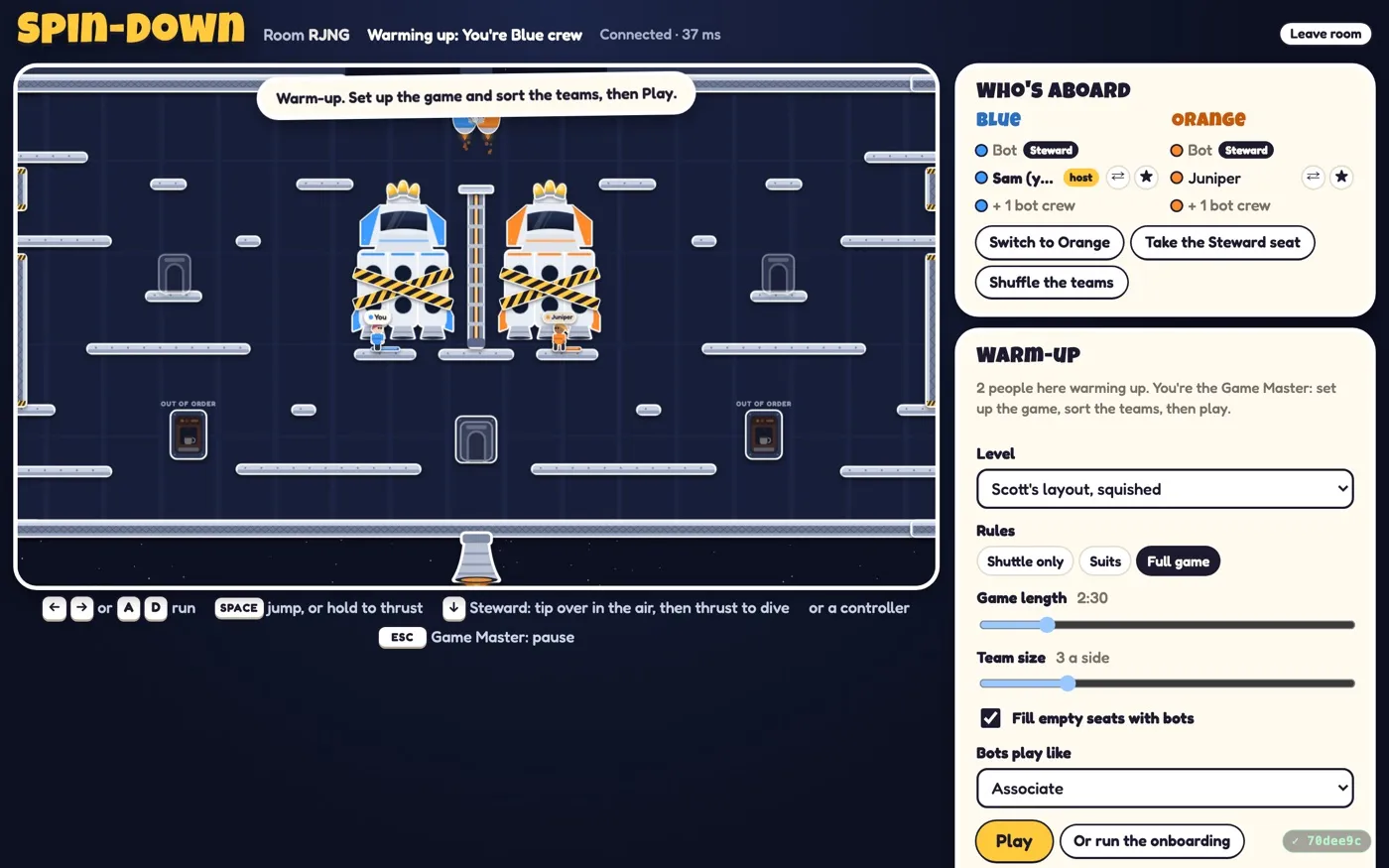
Under Who’s aboard:
- ⇄ beside a name moves that person to the other team.
- ★ makes them their team’s Steward. Anyone can also click Take
the Steward seat themselves. Without a person, a bot flies the
Steward. - Shuffle the teams mixes everyone up.
4. First time? Run the onboarding
For a group that’s never played, click Or run the onboarding. It’s
four short matches, and each one adds one way to win:
- The race: fill your pod first.
- Construction suits: suit up, zap, and go after the Steward’s
bulbs. - Steal the station: the pilot chair is the only way to win.
- The full game: everything at once, with people playing the
Stewards.
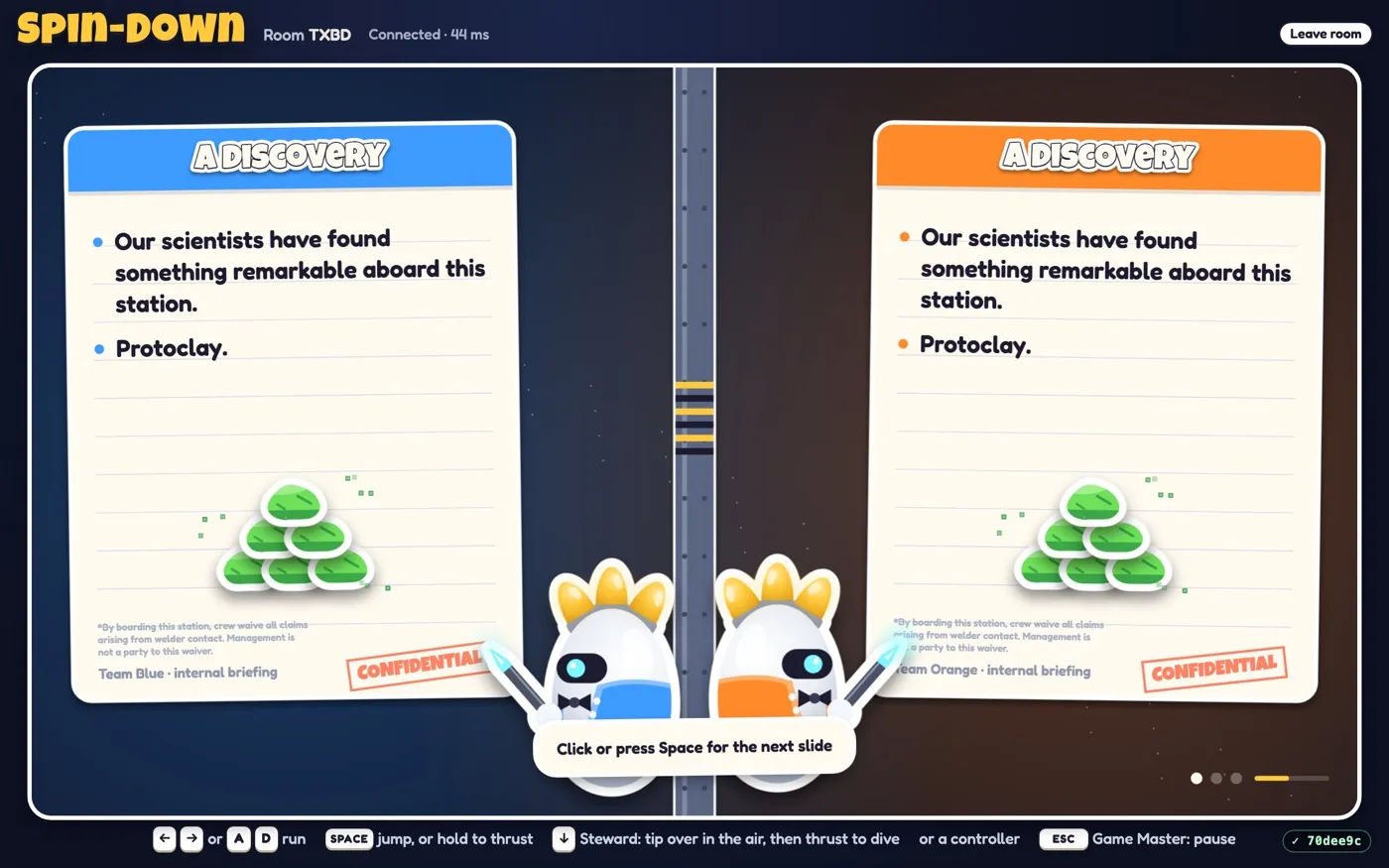
Each level opens with a briefing: slides from each team’s Steward,
told as a corporate feud. Read them out on the call, then click the game
or press space for the next slide. After each match, pick Play
again or Next, or jump to any level from the list. Leave
onboarding goes back to the warm-up.
5. Set up the match and play
In the setup panel:
- Level: three station layouts. Any of them is fine to start.
- Rules: Shuttle only (just the pods), Suits, or the Full
game. - Game length: 2:30 is a good match. When time runs out, the team
that got furthest wins. - Team size and Fill empty seats with bots: bots keep the sides
even. Bots play like goes from Unpaid Intern up to Fully
Automated.
Click Play. Everyone plays on their own screen, so you don’t need to
share yours.
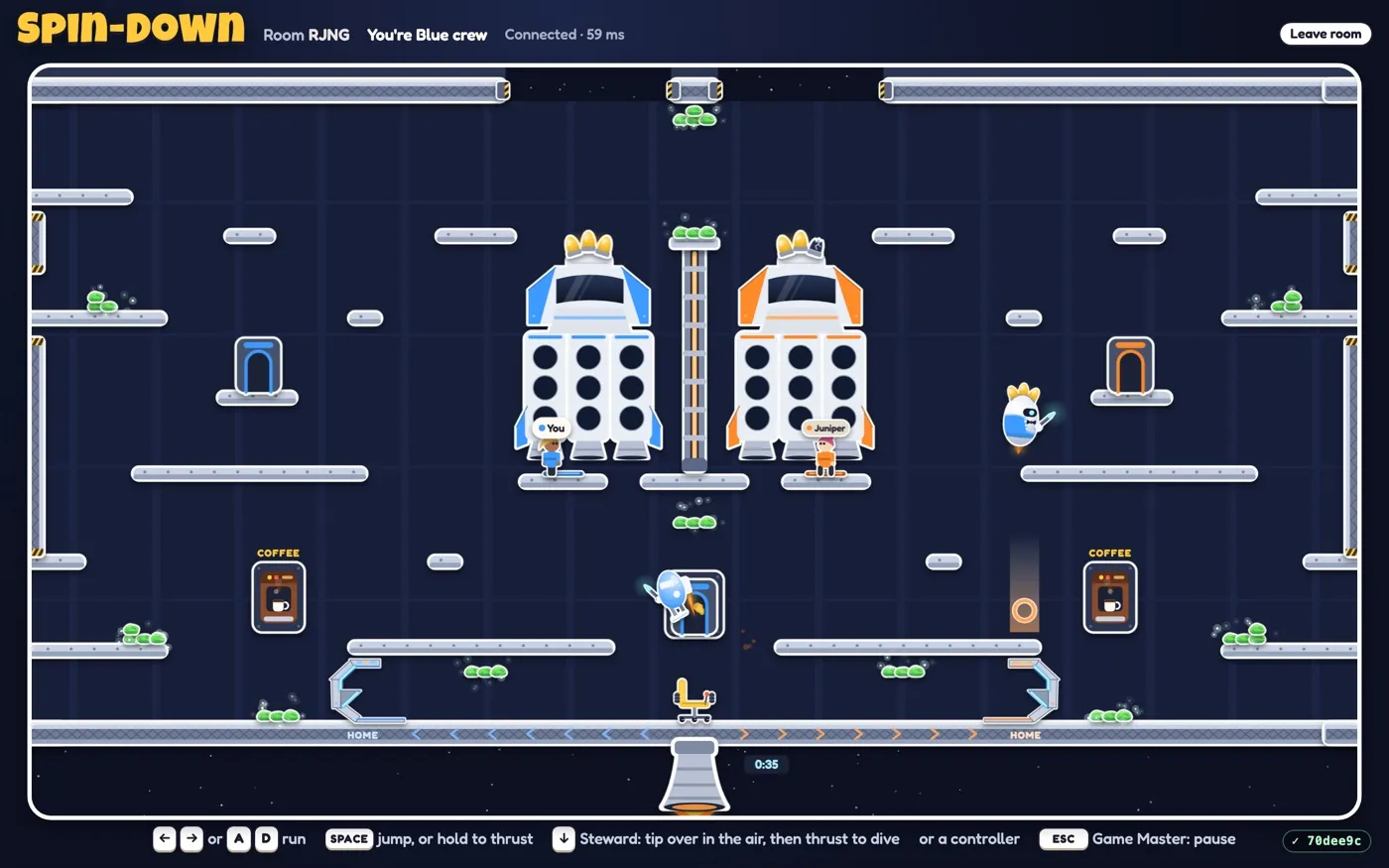
6. Between matches
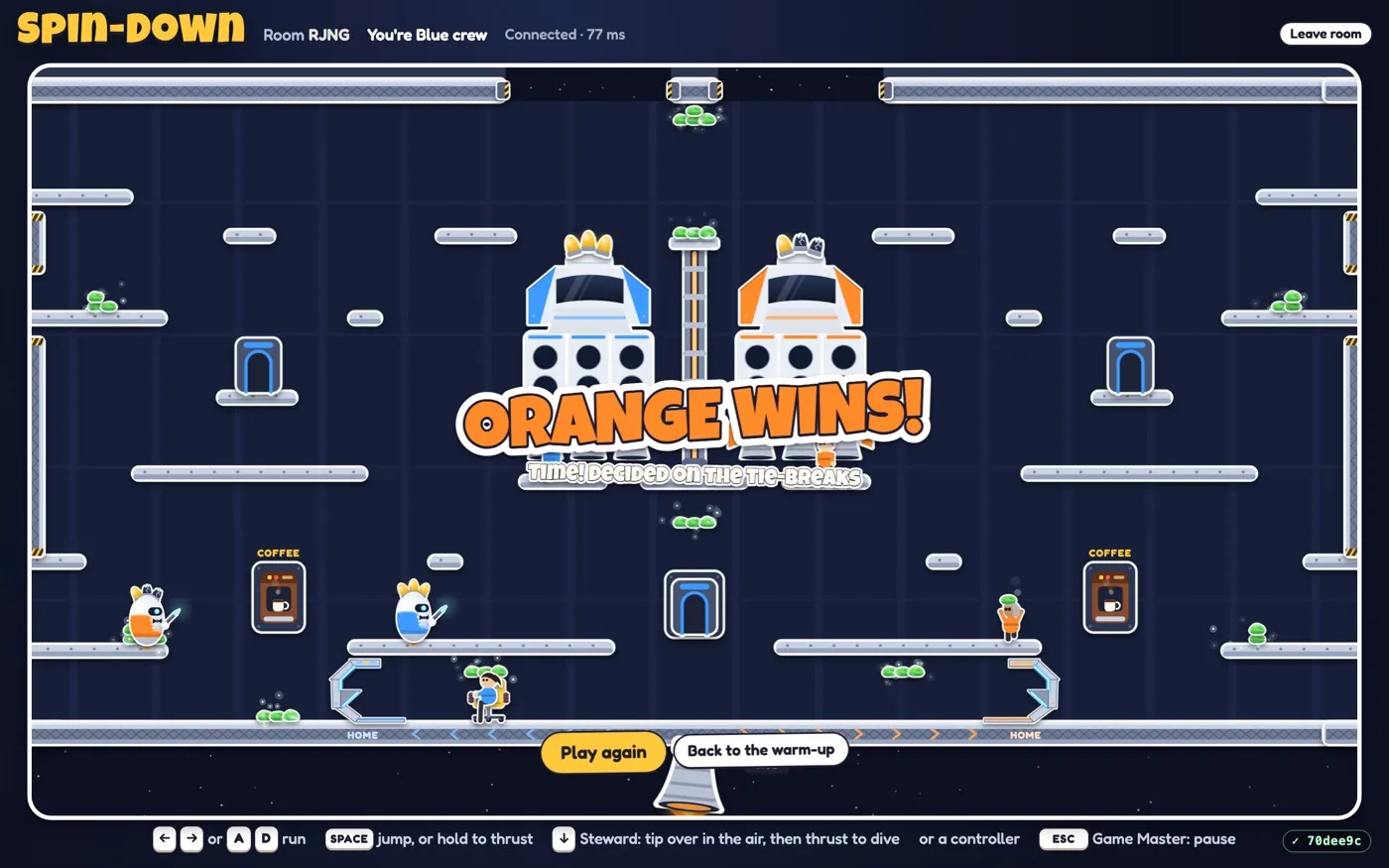
When a match ends, everyone sees who won and why. Click Play again for
a rematch, or Back to the warm-up to change the teams or the rules.
Mid-match, Esc pauses for everyone, with Resume, Restart, and
End the game.
Tips for a good game
- Run the onboarding the first time. The rules stack up, and the
briefings are funny read out loud. - Pick Stewards on purpose. The Steward flies and fights; it’s a good
seat for someone who’s played before. - Dropped out? Open the same link again and rejoin.
What worked, what fell flat, what broke, what you wished it did. Every note helps.