How to host Kartastrophe
Sticker karts on a tabletop for a team on a video call. Everyone drives their own kart from their own laptop, and you run a three-round Cup with points and a podium.

- Players
- 1–30 people
- Time
- About 10 minutes for a Cup of three rounds, 3 minutes at most a round
- You need
- A laptop with a keyboard for everyone (no phones yet), a video call, and the invite link
How it works
Everyone drives a sticker kart around the same tabletop, live, from their
own laptop. You’re the Race Master: you start each round, and the game
keeps score. A Cup is three rounds:
- Tabletop Circuit: three laps around a card-table track.
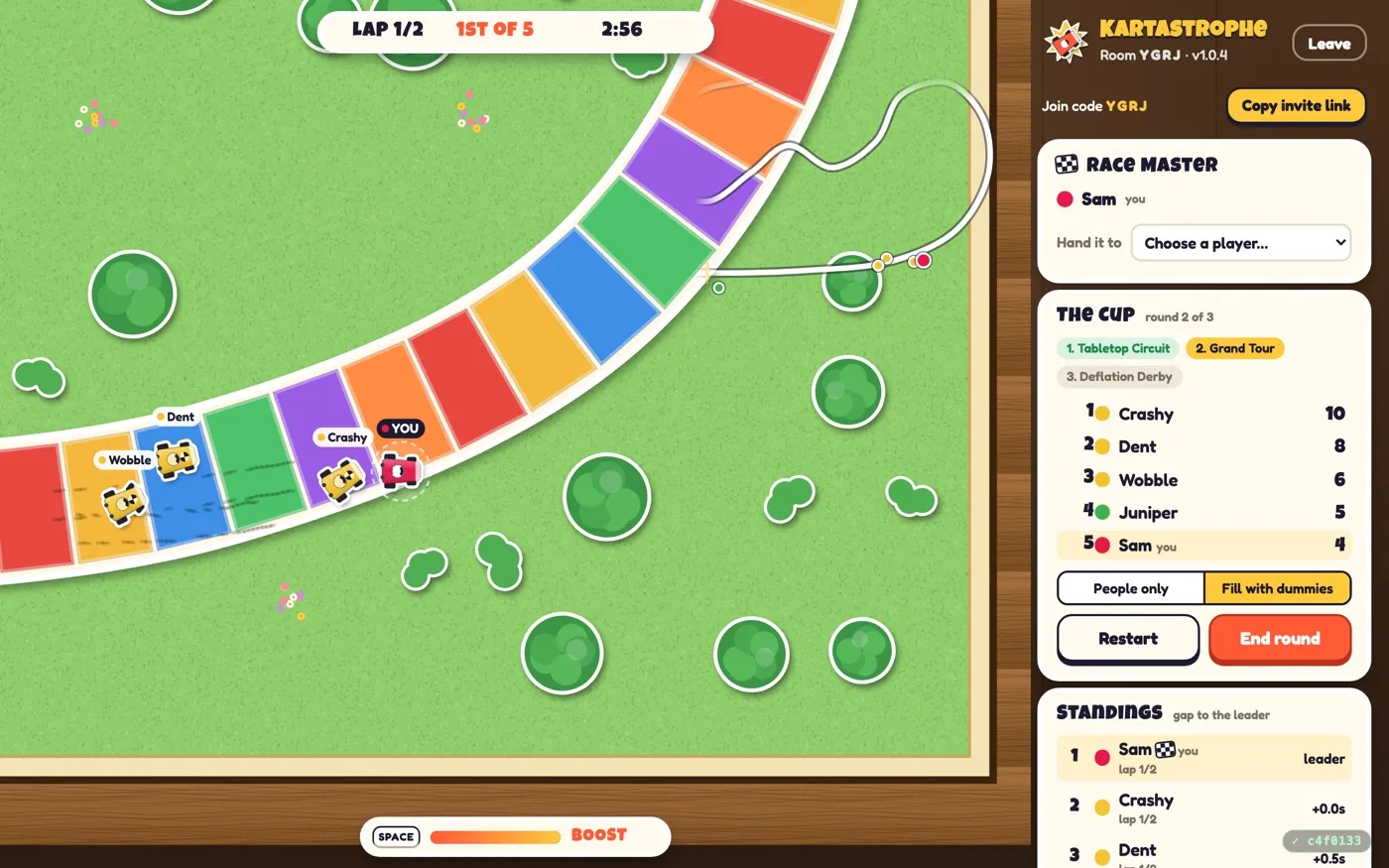
- Grand Tour: two laps of a long board-game road. The view follows
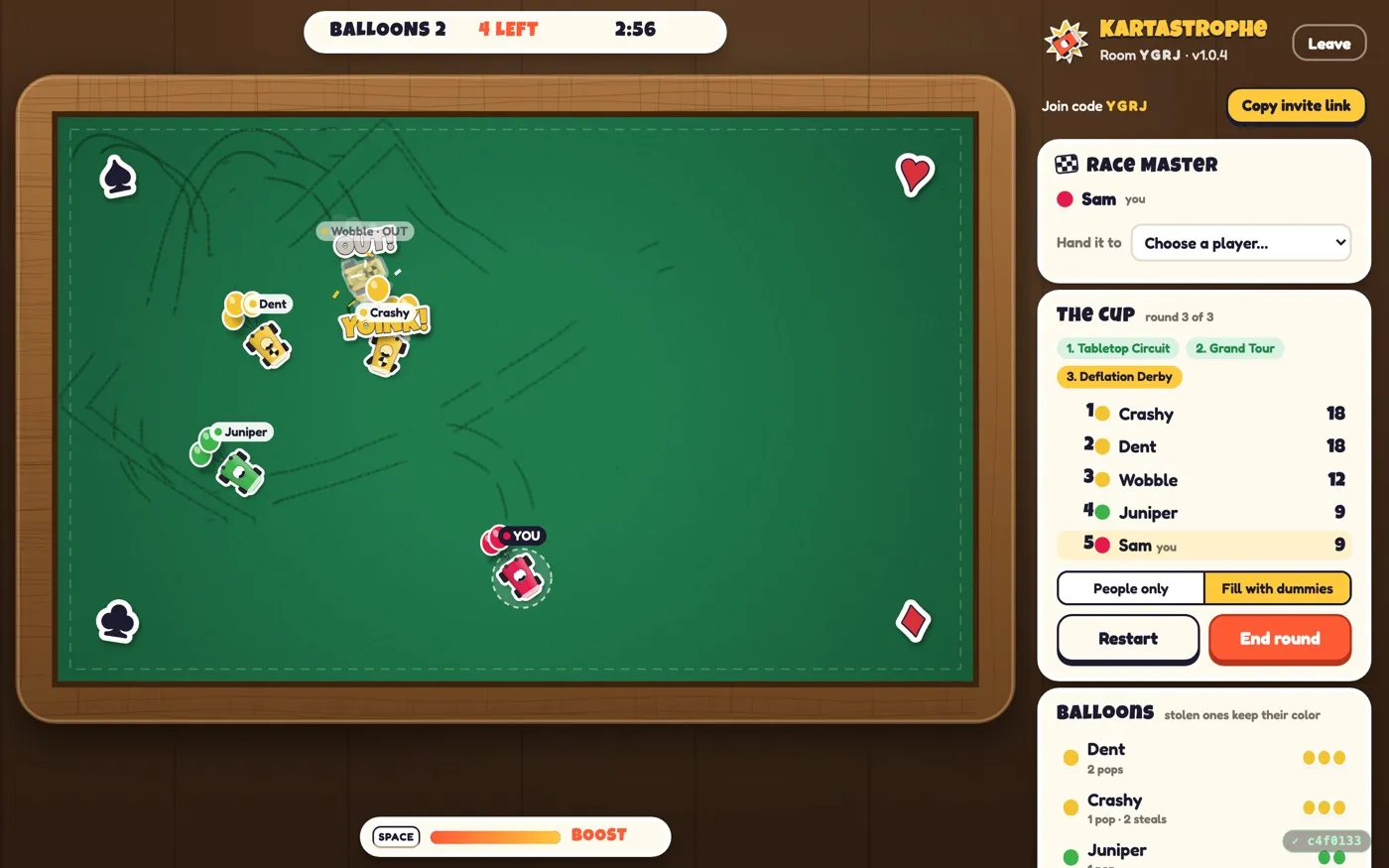
your kart. - Deflation Derby: everyone gets three balloons. Bump into the others’
balloons from behind to pop them, or hit a back corner to steal one.
Last kart with balloons wins.
Points go to every place in every round (10 for first, then 8, 6, 5, 4…),
and the most points takes the Cup.
Before the call: try it alone
Open the game, type your name, and click Practice alone. You land on
the table with crash-test dummies, who race too. Drive with the arrow keys
or WASD; space is boost. Two minutes of this and you’ll know what your
players are about to feel.
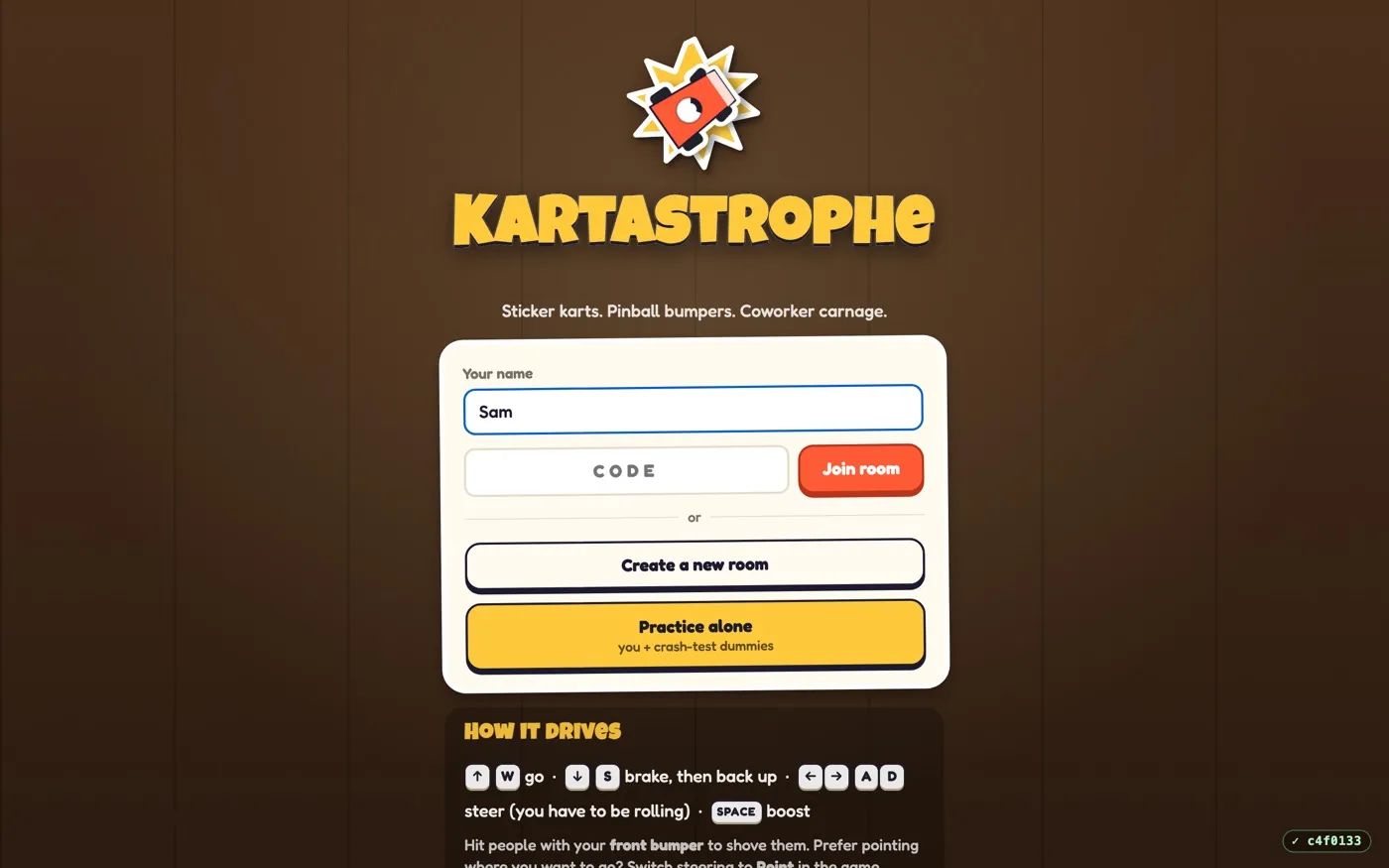
1. Create a room
Open the game, type your name, and click Create a new room. Whoever
creates the room is the Race Master (the checkered flag). You run the
Cup, and you drive too.
2. Invite everyone
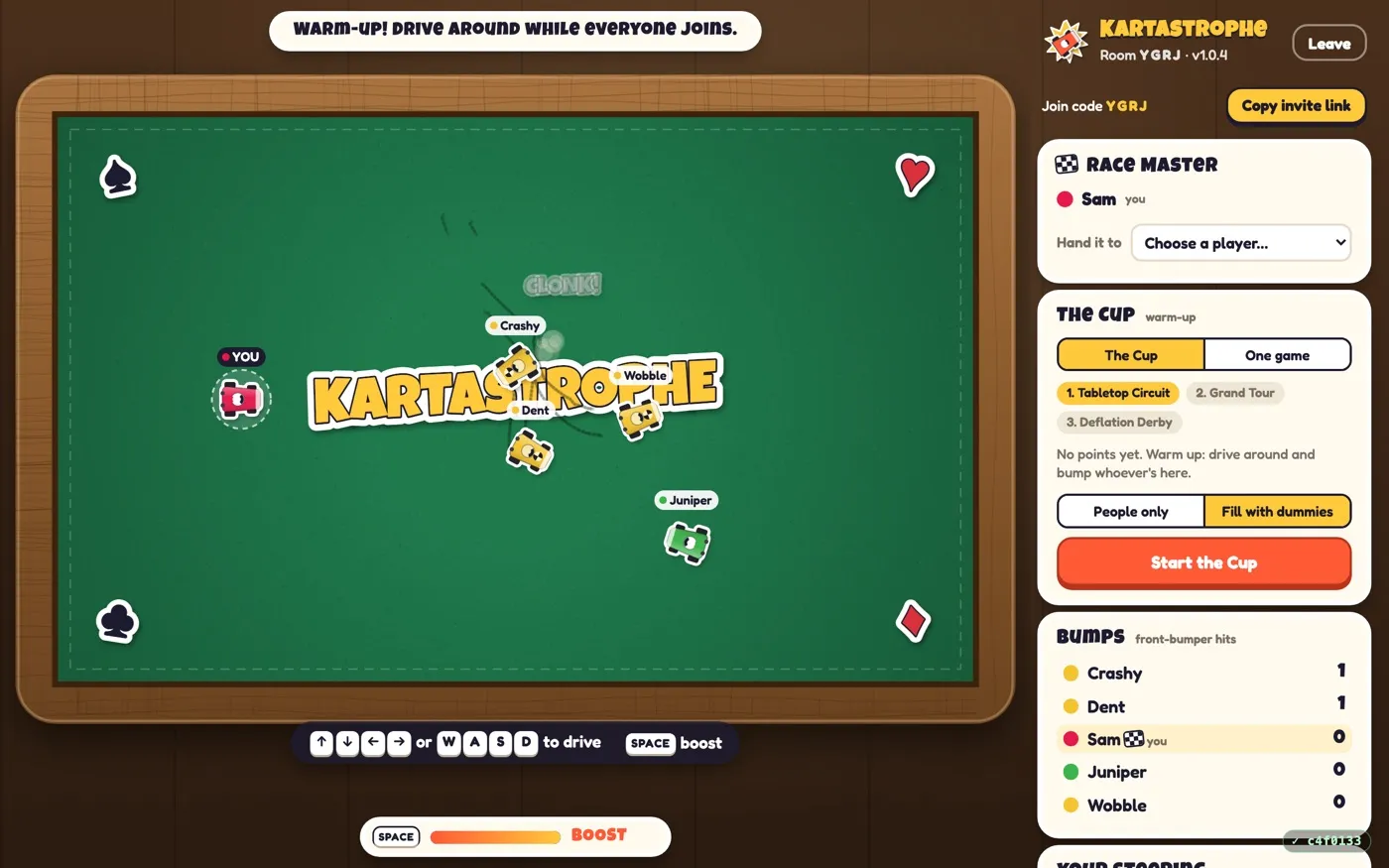
Click Copy invite link at the top right and paste it into the call
chat. Anyone who clicks it lands on your room with the code filled in. They
type their name and click Join room. Anyone without the link can type
the four-letter Join code on the home screen.
While people join, everyone drives around the warm-up table and bumps
whoever’s there. It gets people used to the keys before anything counts.
3. Dummies, or people only
Under The Cup, pick People only or Fill with dummies. With
dummies on, crash-test dummies top up a small group to five karts, so a
race with two people still feels like a race. With five or more people,
leave it on People only.
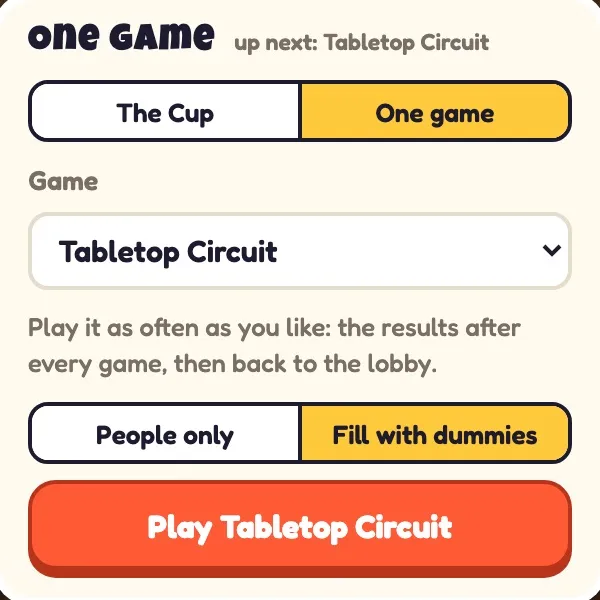
4. The Cup, or one game
The Cup plays all three rounds in order, with points. One game
lets you pick one level and play it as often as you like, with no points,
just the results each time. The Cup is the better night; One game is good
for a rematch.
5. Start the Cup
When everyone’s in, click Start the Cup. Everyone lines up on the grid
for a countdown, then goes. People who show up late can still join: they
start from the back of the grid.
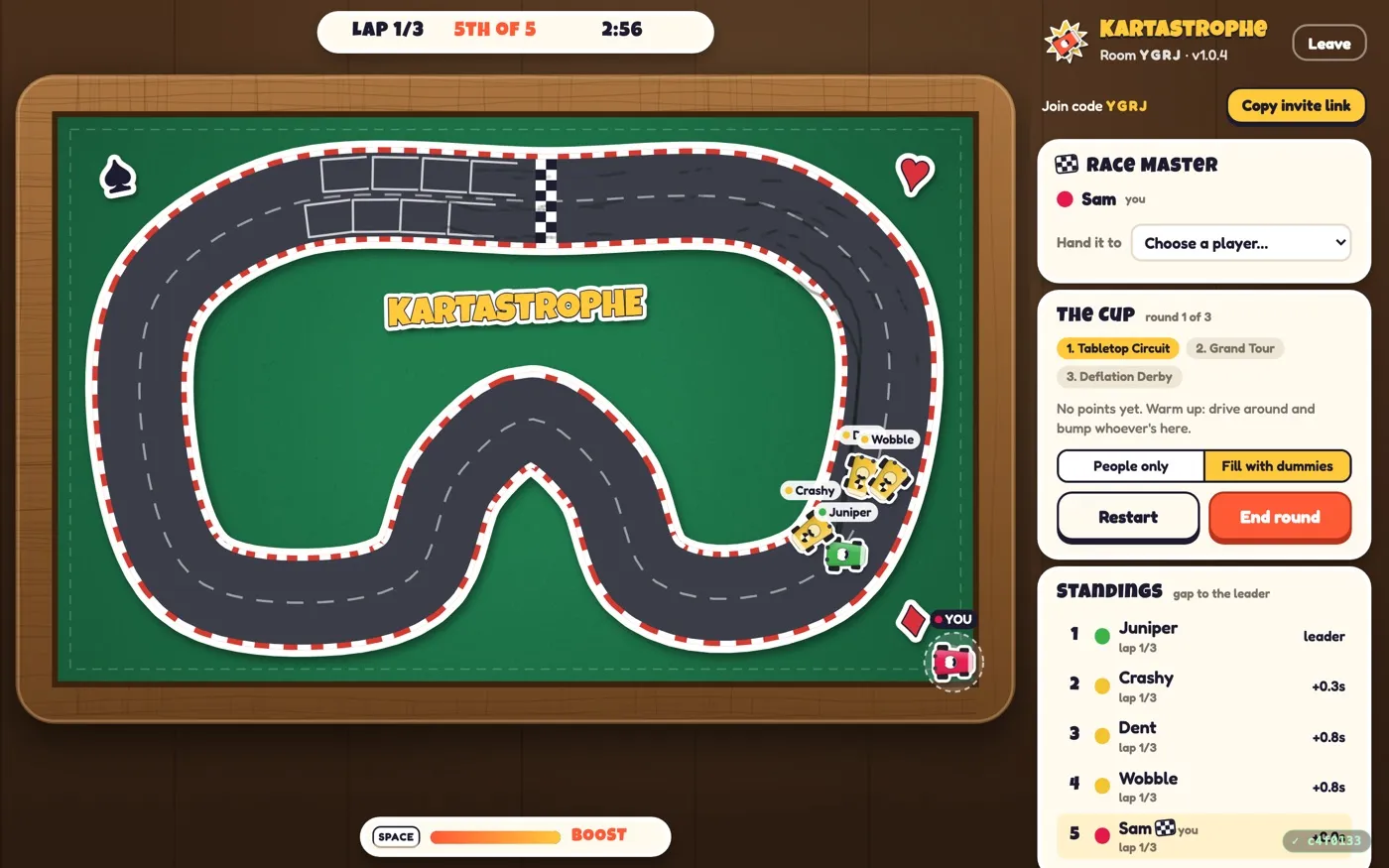
During a round you have two buttons:
- Restart sends everyone back to the start for a fresh countdown. Use
it if half the room missed the GO. - End round stops the round and scores it as it stands. Every round
also has a 3-minute clock, so you rarely need it.
6. Results, then back to the lobby
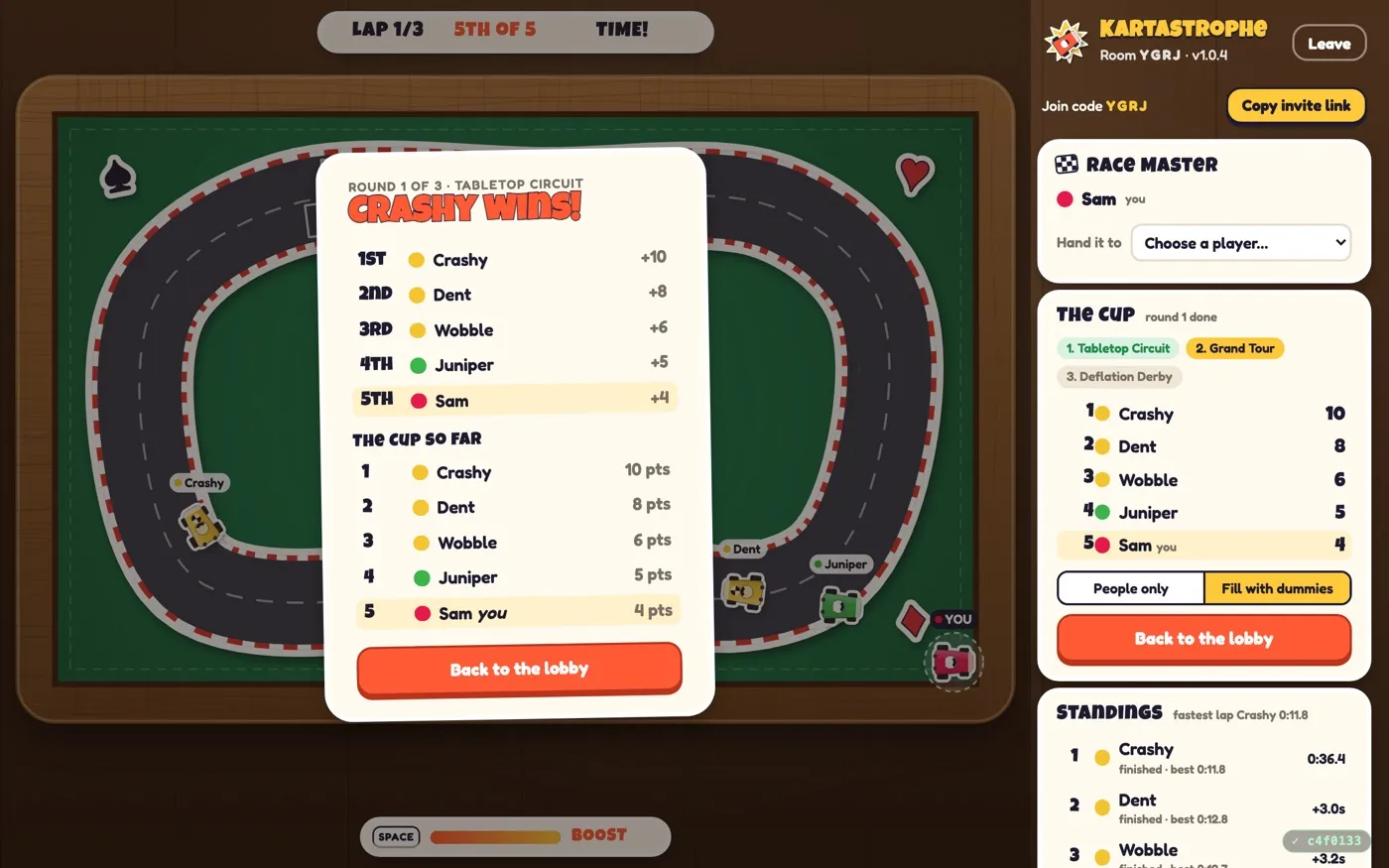
When the round ends, everyone sees the places, the points, and the Cup so
far. This is a good moment to let people talk. When you’re ready, click
Back to the lobby, then Start round 2: Grand Tour, and so on.
7. The podium
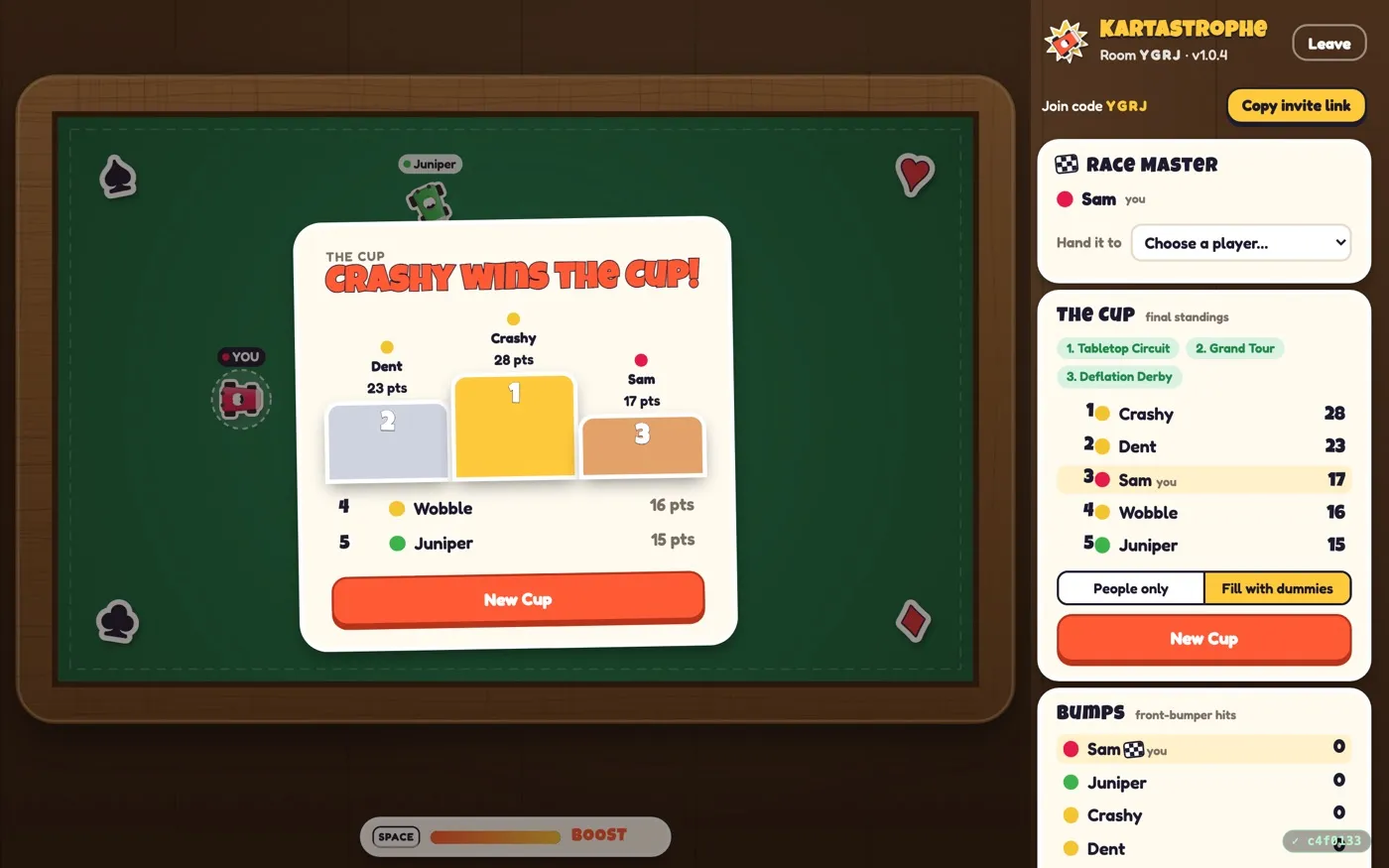
After the Derby, click On to the podium. Confetti, the top three, and
everyone’s points. New Cup starts it all again with the same room.
Tips for a good game
- Everyone drives on their own screen, so you don’t need to share
yours. Keep the call running instead: the trash talk is half the game. - Steering feels wrong? Each player picks their own under Your
steering: Turn (like a car), Drive (left and right swap when
your kart is coming toward you), or Point (arrows are directions on
the screen, and the kart steers itself there). - Hand it off. Need to step away? Pick someone from Hand it to in
the Race Master card. If you made the room, you can take it back any
time. If your connection drops, you keep the flag for 20 seconds. - Dropped out? Open the same link again and rejoin.
What worked, what fell flat, what broke, what you wished it did. Every note helps.